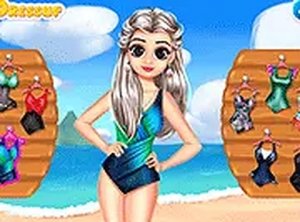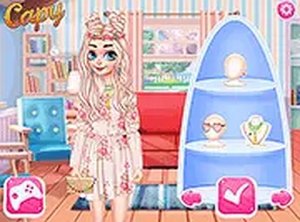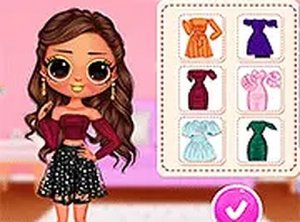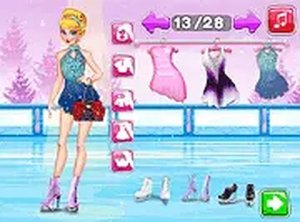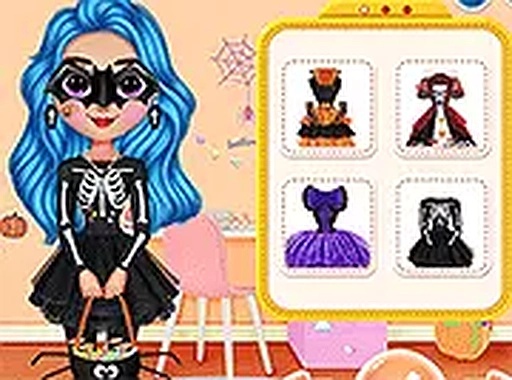
Rainbow Girls Halloween Salon offers a straightforward dress up experience with four characters and many costume pieces. The click-and-drag controls are easy for children to use. The Halloween theme is playful and not scary. Replay value comes from trying different combinations and dressing each girl. It is a clean, ad-friendly game that works well on any device.
Rainbow Girls Halloween Salon is a family-friendly dress-up game where you help four characters—Skyler, Sunny, Ruby, and Violet—prepare for Halloween. The core objective is to browse their wardrobe and select spooky yet cute outfits, accessories, and masks. This game encourages creativity and offers a safe, fun Halloween experience for kids and anyone who enjoys dressing up characters. It runs directly in your browser without downloads, making it easy to play on both mobile devices and desktop computers.
Playing is simple. Start by choosing one of the four Rainbow Girls: Skyler, Sunny, Ruby, or Violet. Then explore their wardrobe filled with Halloween-themed clothing, accessories, and masks. Mix and match items to create a cute scary look. You can try different combinations until you find the perfect outfit. The game uses easy click-and-drag controls, making it accessible for all ages. Once you are happy with the look, you can save or share it. Play in full screen mode for a more immersive experience.
The game features four unique characters to dress up. It includes a variety of Halloween-themed clothing, accessories, and masks. The controls are simple click-and-drag, suitable for young players. You can save or share your final creation. It works on both mobile and desktop devices without any downloads.
To create the best looks, experiment with different combinations of clothing, accessories, and masks. Don't be afraid to try unusual pairings—sometimes the most unexpected mix can be the cutest. Take your time exploring each character's wardrobe to discover all available items. If you are unsure, start with a theme (like a witch or cat) and build around it. Finally, use the save or share feature to show your creations to friends and family.