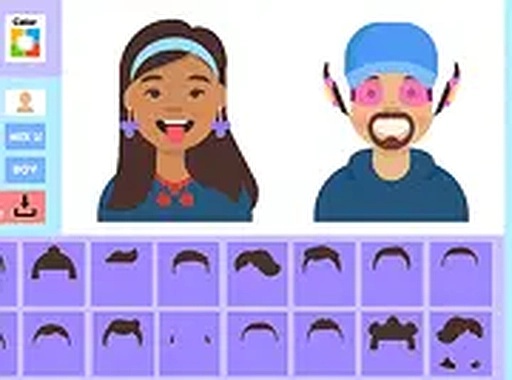
iStyle Avatar Maker offers a smooth and intuitive experience for creating custom avatars. The variety of hairstyles, outfits, and accessories is impressive, and the ability to adjust colors adds depth. The game is easy to navigate, making it suitable for all ages. Saving and sharing your creations is straightforward, which adds to the replay value. It is a relaxing and enjoyable way to spend a few minutes.
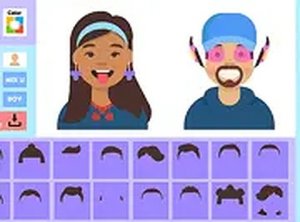
iStyle Avatar Maker is a creative online dress up game that lets you design your own avatar from scratch. The core objective is to build a character that reflects your personal style by choosing from a wide variety of hairstyles, eye shapes, outfits, and accessories. The game runs directly in your browser, so there is no need to download any software. You can easily save your finished avatar to your device or share it on social media. Whether you enjoy fashion, fantasy, or just having fun, this game offers a safe and family-friendly environment for players of all ages.
To start playing, open the game in your desktop browser. Use your mouse to click through the different customization categories such as hair, eyes, clothing, and accessories. Select the options you like by clicking on them. You can also adjust colors and patterns to make your avatar truly unique. Once you are satisfied with your design, use the download button to save it to your computer. For a more immersive experience, switch to full screen mode. Share your creations on Twitter by tagging @iStyleAvatars or visit iStyleAvatarMaker.com to see what others have made.
The game is free to play online and requires no downloads. You can save your avatars instantly. Full screen mode is available for a better view. You can share your designs on social media platforms like Twitter. The game offers a wide range of art sets and customization options.
iStyle Avatar Maker is a great way to express your creativity without any pressure. The simple interface makes it easy for anyone to start designing right away. You can experiment with different looks and save your favorites to show your friends.