Airport Manager Flight Attendant Simulator provides a relaxing yet engaging simulation experience. The tasks are varied and keep you busy without being overwhelming. The game rewards efficiency and attention to detail, making each level feel like a small achievement. It is easy to pick up for a few minutes or play longer sessions. The family-friendly theme and simple controls make it suitable for all ages. Overall, it is a well-designed game that offers good replayability.
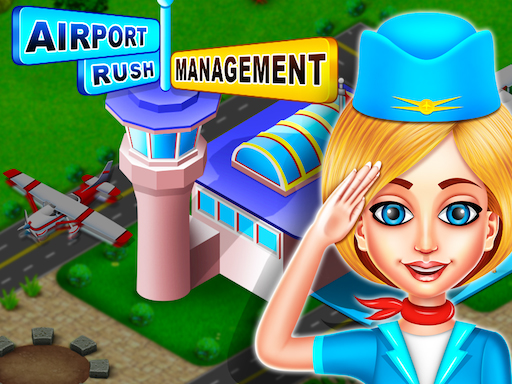
Airport Manager Flight Attendant Simulator is a family-friendly online simulation game where you take on the role of a city airport manager. Your main goal is to oversee all airport operations, from helping passengers find their gates to maintaining a secure environment. The game offers a realistic yet playful take on airport management, perfect for players who enjoy simulation and organization challenges. With many passengers waiting, every moment is filled with engaging tasks that keep the airport running smoothly.
Start by selecting your role as the airport manager. You will see passengers arriving and needing help. Tap or click on them to assist with tasks like checking tickets, directing them to gates, or solving small issues. Supervise the airport staff by giving instructions to maintain security and order. Keep an eye on the clock to ensure flights depart on time. Complete each task to earn points and unlock new levels. The more passengers you help, the busier and more rewarding the airport becomes. Use your management skills to handle multiple requests at once. Enjoy the simple controls and cheerful graphics as you manage the city airport.
Fun airport management tasks keep you engaged. Passenger assistance requires quick thinking and organization. Staff supervision adds a layer of responsibility. Security focus ensures a safe environment. Engaging tasks reward efficient play.
To succeed in Airport Manager Flight Attendant Simulator, practice prioritizing tasks to handle multiple passenger requests efficiently. Learn the layout of the airport to quickly direct travelers to their gates. Keep an eye on the clock to ensure flights depart on time, and don't forget to supervise staff to maintain order. As you earn points, you'll unlock new levels with increased challenges, so stay organized and focused.